
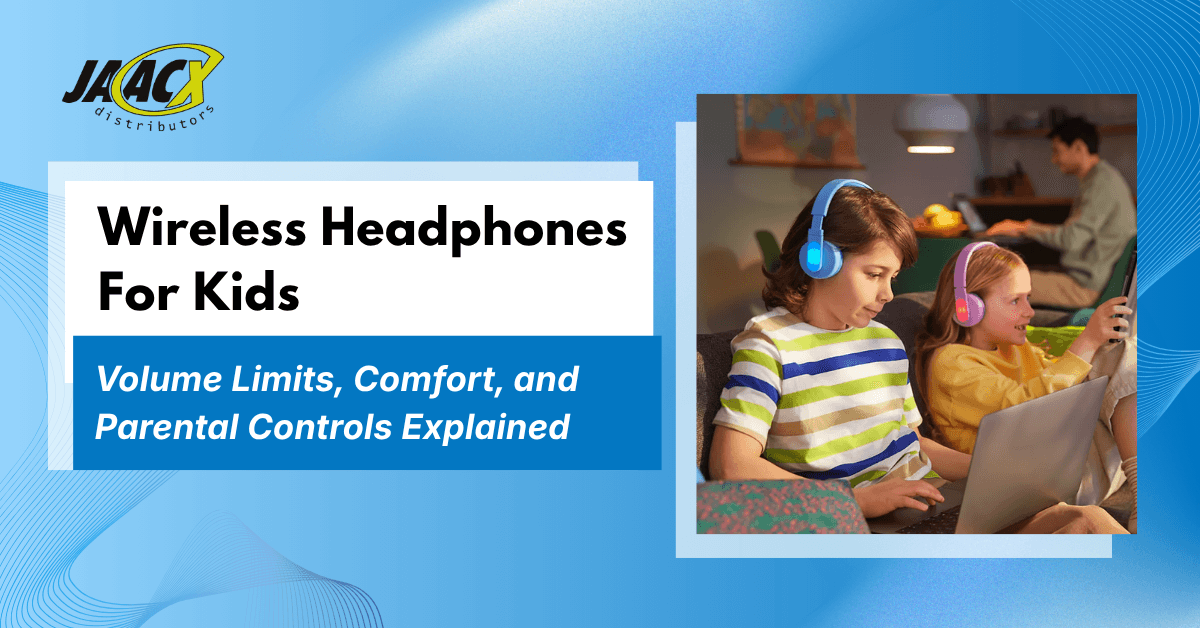


Choosing wireless headphones for kids involves more than picking a color. Parents also need to consider volume limits, a comfortable fit, and ways to manage listening time. This guide explains what to check and how these features work on the Philips TAK4206.
“Turn it down” might be a familiar reminder when your child is watching cartoons, playing a game, or listening to music. But when the sound is coming through headphones, it can be difficult to judge how loud it really is. You can see that your child is enjoying what they’re hearing, yet knowing when to step in is less straightforward.
Volume is only one concern. Headphones may slip during homework, press uncomfortably against small ears, or run out of battery halfway through a journey. And when one episode turns into several, parents may find themselves repeatedly reminding their child to pause and take a break.

When choosing wireless headphones for kids, parents need to consider how loud they can play, how comfortably they fit, and how easily listening time can be managed. A wireless connection offers convenience, but it does not address these concerns on its own. Understanding volume limits, fit, and listening controls helps parents choose headphones that suit their child’s needs.
In this blog, we’ll explain what volume limits, comfort, and parental controls mean in practice. We’ll also look at what parents should check when comparing kids Bluetooth headphones so you can make a more informed choice for your child’s routine.
What Parents Need to Know Before Choosing Kids’ Headphones
Choosing headphones for your child brings up questions that sound quality alone cannot answer. How loud can they play? Will they feel comfortable during homework or a family trip? Can you set listening boundaries without checking the device every few minutes? Understanding volume limits, fit, and parental controls helps you decide which features matter for your family.
How Loud Is Your Child Really Listening?
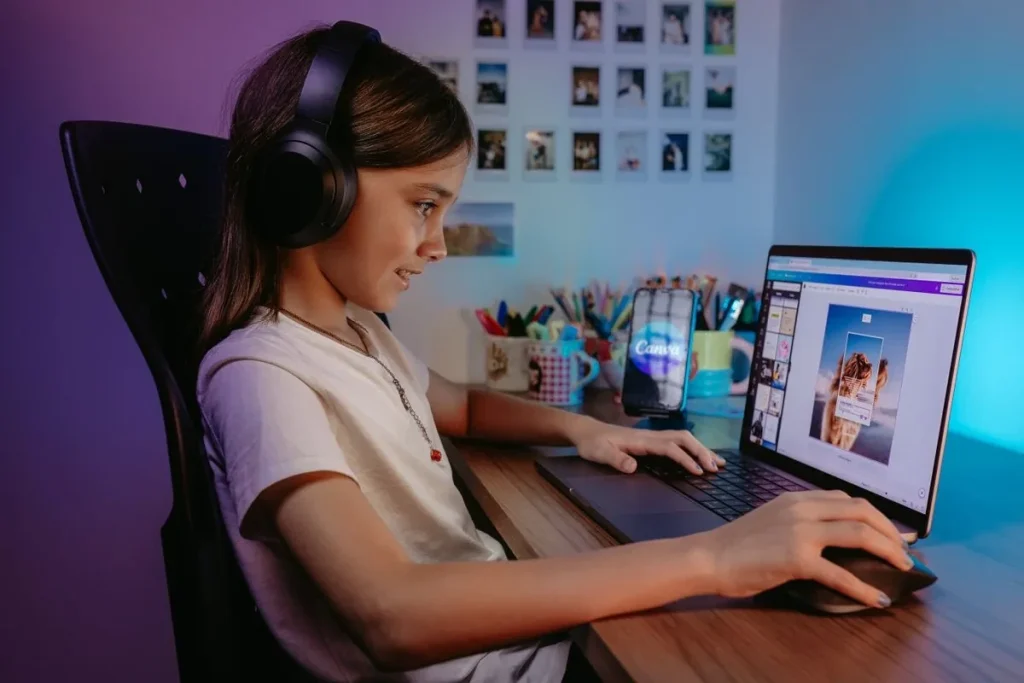
Your child is watching a cartoon beside you, and everything seems quiet until you try the headphones yourself. The sound is louder than you expected. Children may turn up the volume to hear a quiet scene or overcome noise around them, while parents cannot easily judge the level from outside the headphones.
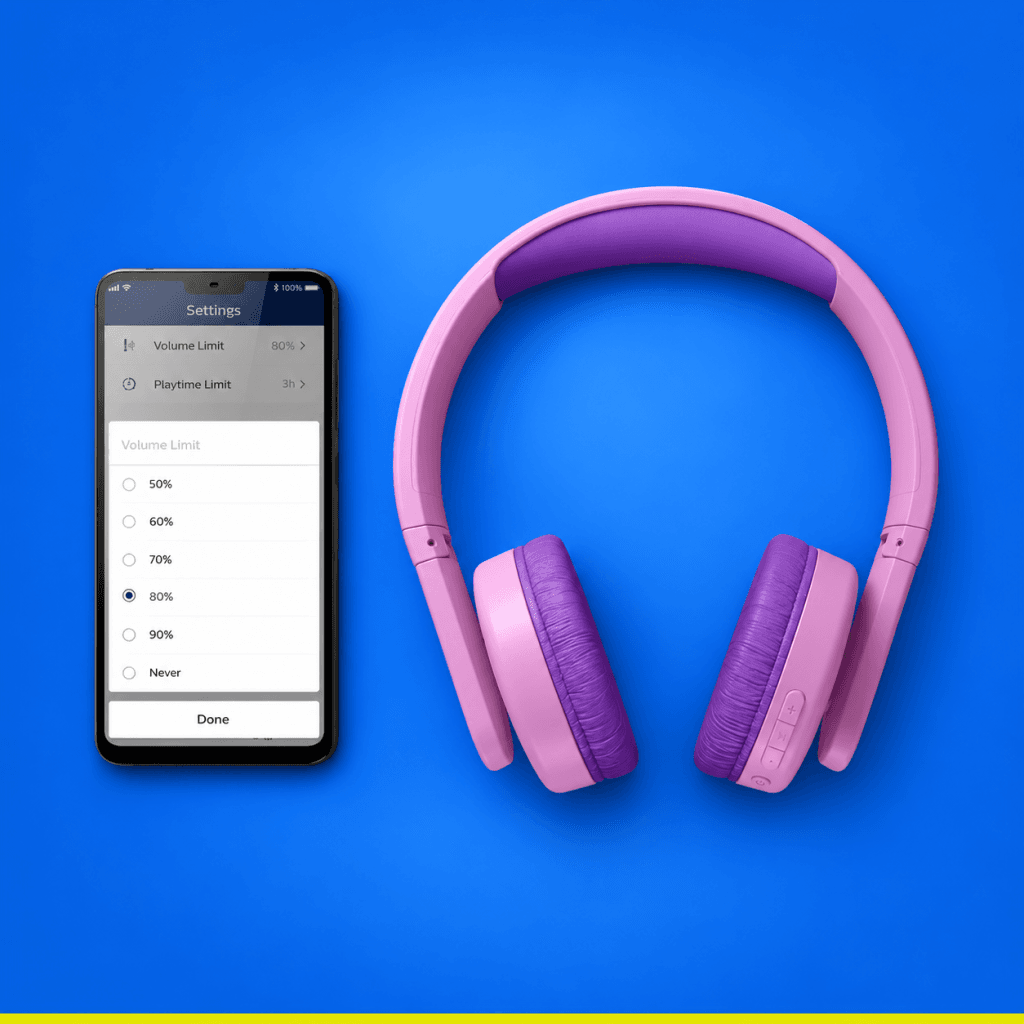
Volume-limiting headphones set a maximum audio level, rather than simply letting the listener turn the sound up or down. Some also allow parents to choose a lower maximum through an app. When comparing options, check both the built-in limit and the settings you can adjust. A volume cap helps manage loudness, but listening time still needs attention.
Will the Headphones Feel Comfortable on Your Child?
“Too tight.” “They keep falling off.” Sometimes children can explain what feels wrong, other times, they simply remove the headphones halfway through a lesson. Ear cups can press against their ears, and a headband that does not fit properly can make listening frustrating.
Soft ear-cup cushions and padding beneath the headband can make wearing headphones more comfortable. Still, cushioning alone does not tell you whether a pair fits your child. Let them try the headphones, ask how they feel, and notice whether they keep pulling at the ear cups or shifting the headband.
Can You Manage Listening Without Constant Reminders?
One more episode can quickly become two, especially when your child is settled into a favorite show. Between schoolwork, games, and entertainment, keeping track of headphone use can become another task in an already busy day.
Headphones with parental controls may let you set maximum volume and playtime limits through a companion app. These settings give you a practical way to establish listening boundaries. Check which controls are available and how to use them, so they support the rules you already follow at home.
Helping Your Child Build Everyday Listening Habits
We encourage parents to start with how their child uses headphones throughout the day. A lesson, a favorite cartoon, and a family journey can bring different questions about volume, comfort, and when to take a break.
Talking with your child can help you understand these needs. Can they hear clearly? Do the headphones feel uncomfortable after a while? Do they know when the listening session will end? Features and settings become more useful when they support these everyday conversations.
Managing Your Child’s Listening Volume
Children may turn up the volume when dialogue is quiet or there is noise around them. Start at a low setting and ask whether they can hear clearly. If background noise makes it difficult to follow what they are listening to, moving somewhere quieter can help.
Volume-limiting headphones cap the maximum sound level while still allowing your child to listen at a lower volume. Some models also let parents lower that cap through an app, giving you more control over how loud the headphones can play.
Alongside setting the volume, agree on when your child will take a break, such as after an episode or at the end of a lesson. This makes both volume and listening time part of a familiar routine.
Listening to Your Child’s Feedback About Fit
A child may say the headphones feel fine when they first put them on, then begin adjusting them during a lesson or show. Ask where they feel pressure and whether they would like to take them off.
Soft cushions and a padded headband can contribute to comfort, but the fit still needs to work for your child. Notice whether the ear cups stay in place and whether your child keeps repositioning them. If something feels uncomfortable, pause and check the fit together.
Encourage your child to tell you when something feels wrong. Their experience matters more than how comfortable the headphones look.
Making Breaks Predictable
Stopping can be frustrating when your child is halfway through something they enjoy. Agreeing on a break beforehand gives them a clearer expectation, for example, after an episode or when a learning activity finishes.
Headphones with parental controls may offer maximum-volume and playtime settings to support that agreement. Explain the settings to your child so they understand how these relate to the rules you follow at home.
Check what the controls actually manage. Listening limits and restrictions on videos, games, or other content are different things; content access may need to be managed separately on the connected device.
Preparing for Listening Away From Home

Before a journey, check that the headphones are charged and connected to the phone or tablet your child will use. Trying the connection at home gives you time to resolve any difficulties before leaving.
When comparing kids’ Bluetooth headphones, battery life and charging time can help you plan. Think about how often you will be able to charge them and whether they are easy to pack.
Bring another activity your child enjoys and leave opportunities to pause, talk, or take the headphones off. Having battery power available gives you flexibility, while listening breaks remain part of the journey.
Involving Your Child in the Decision
Color and appearance may matter to your child, and those preferences can be part of choosing headphones. Give them a chance to try the fit as well as choose a design they like.
Ask what feels comfortable and show them how to adjust the sound. Keep that conversation open after they begin using the headphones, so they know they can tell you when something feels wrong or ask for help.
Choosing With Your Child’s Needs in Mind
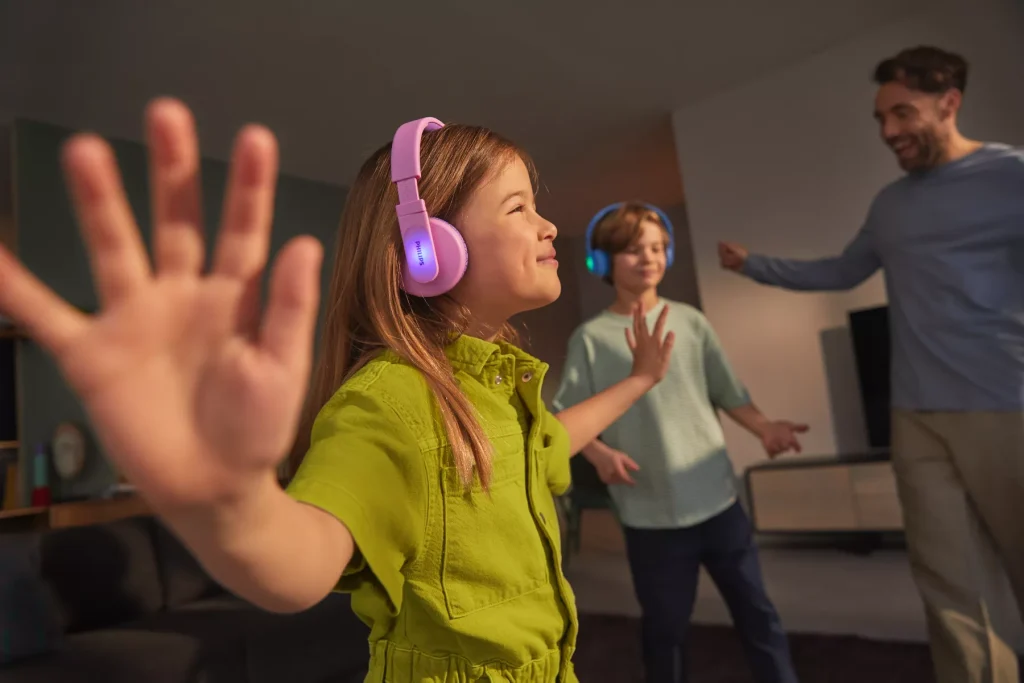
When comparing wireless headphones for kids, start with your child’s routine: what they listen to, where they listen, and which device they use. Then check whether the fit and available settings support those needs.
How the Philips TAK4206 Fits Into Your Child’s Listening Routine
We encourage parents to consider volume limits, comfort, and listening boundaries together. Within our headphone range, the Philips TAK4206 is the most suitable option for families prioritizing a design made for children and parental listening controls. It combines a built-in 85 dB volume limit, cushioned ear cups, and a padded headband. The Philips Headphones app also lets parents set a lower maximum volume and playtime limits to support family listening rules. Try the fit with your child and explore the settings to understand how they would work in your everyday routine.
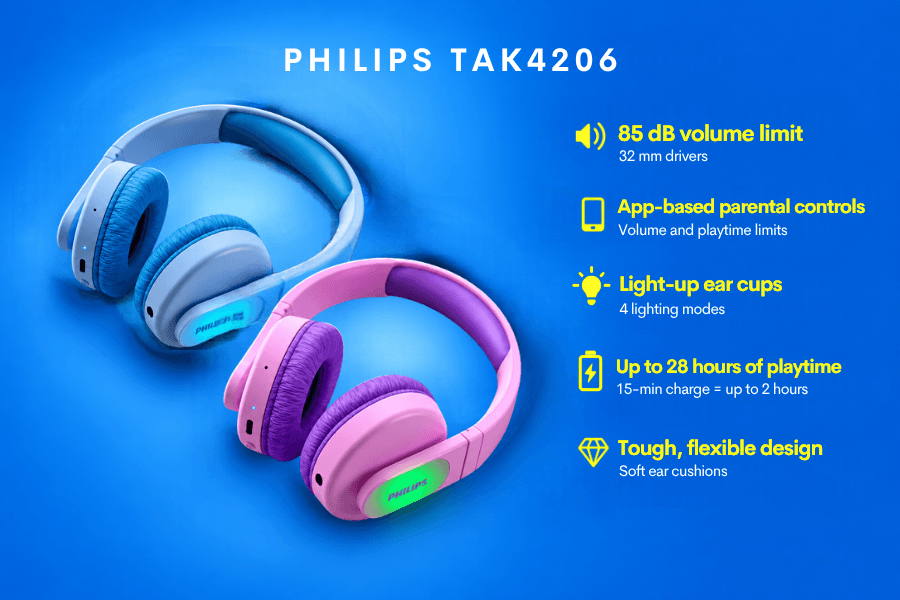
The choice is only the starting point. Your child’s feedback, familiar listening boundaries, and regular opportunities to take a break remain part of everyday use.
To explore retailer options for the blue or pink model, visit Where to Buy.
For schools, retailers, or other businesses considering bulk orders, contact JAACX Distributors to ask about availability and volume options.
0 Comments